Emacs’ Undo
Here is how undo works in most of the editors. For each change, a state is recorded in some internal structure:
s1 --> s2 --> s3 --> s4 --> s5
                            |
                            last state
You can undo by going back in time, say to s2:
s1 --> s2 --> s3 --> s4 --> s5
        |
        undo reinstating this
You are still able to move forward in time (that is, redoing):
s1 --> s2 --> s3 --> s4 --> s5
               |
               redo reinstating this
But as soon as you make a modification, you break the undo history:
s1 --> s2 --> s3 ~~> s4 ~~> s5  // oh no! This branch is gone
                \
                 sx --> sy
Emacs won’t delete this branch.
It undoes by appending new operations. In this sense, it is closer to
git revert than git reset. So, if this is your undo history:
s1 --> s2 --> s3 --> s4 --> s5
undoing up to s2 means restoring s4, s3 and s2 re-appending
them to the history:
s1 --> s2 --> s3 --> s4 --> s5
                              \
                               `--> s4 --> s3 --> s2
So, if you make changes from there, no information will be lost:
s1 --> s2 --> s3 --> s4 --> s5
                              \
                               `--> s4 --> s3 --> s2 --> sx --> sy
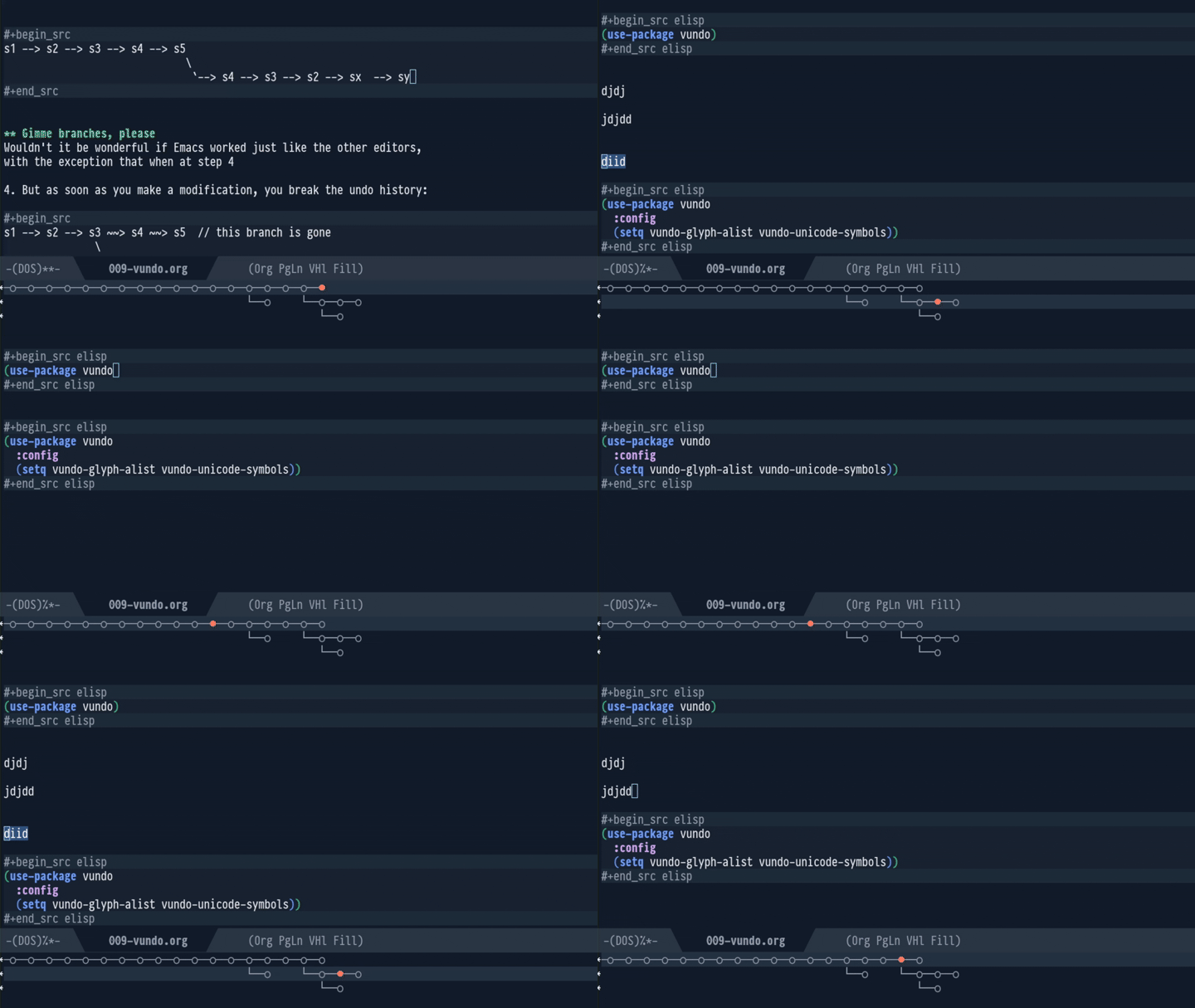
Emacs ships with a little built-in package that displays this as a Git-like history tree:
s1 --> s2 --> s3 --> s4 --> s5
               \
                sx --> sy
and lets you navitate the history:
Jujutsu provides similar features with the subcommands of jj op.